Published ·Updated ·By the InayaFlow team ·7 min read
TikTok Captions: Length, Hashtags and Examples (2026)
How to write TikTok captions: what TikTok says about length and hashtags, a simple formula, examples, and whether you can edit a caption after posting.
A good TikTok caption is a single clear sentence naming the topic of the video, in the words your viewer would search for, plus no more than five relevant hashtags. TikTok's own advice is to use the caption to add context. The platform names captions as one piece of video information it can use, and it publishes no formula beyond that.
Try it on your own account: type a TikTok username to see the hashtags its recent videos use, or type a topic to get up to 5 hashtags.
or enter a topic
Hashtags for your own channel are in Pro. Start with the free analysis.
Type your TikTok username and InayaFlow compares your own recent videos: your typical views, your engagement rate, what is working and what to post next. Free, no account or password needed.
Open the full TikTok hashtag generator. Also free: TikTok hashtag counter.
Key takeaways
- TikTok for Developers: a caption posted through TikTok's official posting API can be up to 2,200 characters. No TikTok page we read gives a limit for captions typed in the app.
- Daily Dot (14 Aug 2025): the app shows 'Maximum 5 hashtags' when you try to add a sixth, so a caption has room for five tags at most.
- TikTok Newsroom (2020): captions, sounds and hashtags count as details the For You feed can draw on, and TikTok advises using caption space to add context.
- TikTok Newsroom (13 Mar 2024): Creator Search Insights shows topics people search for often but that appear in relatively few videos, a good source of caption words.
- Our 2026 dataset (213 channels): a typical channel put 3 hashtags on each video, and 23.8% of videos carried none.
On this page
This guide covers what TikTok says about captions and hashtags, a formula you can reuse, examples, and what to do when you want to change a caption you already posted. It sits next to our TikTok hashtag strategy and the views guide, how to get more views on TikTok.
TikTok captions at a glance
| Question | Short answer | Source |
|---|---|---|
| Max length (posting API) | 2,200 characters | TikTok for Developers |
| Max length (typed in the app) | Not stated on any TikTok page we could read | We checked, see below |
| Hashtag cap | 5, enforced by the app | Daily Dot, Aug 2025 |
| Do captions help the feed understand a video? | TikTok lists them as video information | TikTok Newsroom, 2020 |
| Can I edit after posting? | Unconfirmed by TikTok pages we could read | See the editing section |
What counts as a TikTok caption
People mean two things by "TikTok captions". The first is the text under your video, also called the description. That is what this guide covers. The second is the on-screen text of the words being spoken, which are subtitles. Searches like "how to edit TikTok captions" can mean either, so each section below says which one it means.
How long can a TikTok caption be?
TikTok's developer documentation sets the caption limit for posts made through its official posting API at 2,200 characters. The documentation notes that the title field is optional and that hashtags and mentions are matched in the text when they are separated by spaces or new lines (TikTok for Developers).
That is the only TikTok-published number we found. Many marketing blogs state a higher limit for captions typed directly in the app. We could not find a TikTok page that backs those figures, and the blogs disagree on the date it changed, so we do not repeat them. The practical answer is to type your caption in the app and watch its counter.
Length matters less than you might think. Viewers see the start of a caption and have to tap to read the rest, so the first line carries the job, whatever the limit is.
Do captions help your video get found?
TikTok's Newsroom says captions, sounds and hashtags count as details the For You feed can draw on (TikTok Newsroom). Its creator tips add that you can use caption space to add context and share more about a video, and that a great caption can be as captivating as the video (TikTok Newsroom, 2020).
What TikTok does not publish is how heavily a caption counts compared with what you say and show. So the safest approach is the one our guide on the TikTok algorithm recommends: make the caption, the spoken words and the on-screen text describe the same topic.
Find the words people search for
TikTok's Creator Search Insights, announced on 13 Mar 2024, shows topics people search for often on TikTok, including topics searched often but featured in relatively few videos (TikTok Newsroom). TikTok says it is available in select regions, and you can find it by searching its name in the TikTok search bar.
A simple routine:
- Search your topic in Creator Search Insights and note two or three phrases that look popular.
- Say one of them aloud early in the video.
- Use the same phrase, in plain words, in the first line of the caption.
You are matching the words of your viewers, not stuffing in keywords. If a phrase does not fit naturally, leave it out.
A caption formula you can reuse
Keep every caption to the same three parts:
- Line one: what the video gives. Everyday words, no hashtags, one sentence.
- Line two (optional): one detail or a question. Something that makes a viewer want to comment.
- Last line: up to five hashtags. Relevant ones only.
Caption examples by video type
These are our own illustrations of the formula, not proven winners.
| Video type | Caption |
|---|---|
| How-to | "How to meal prep five lunches in 20 minutes on a student budget. What would you cook first? #mealprep #budgetmeals #studentcooking" |
| Comparison | "Two budget phones, same apps, full-day battery test. Which would you buy? #phonereview #budgettech" |
| Story | "I posted every day for 30 days and tracked what changed. Here is the honest result. #contentcreator #tiktokgrowth" |
| Tip | "Stop starting videos with 'hey guys'. Say the result first. #videotips #creatortips" |
How many hashtags belong in a caption?
Five at most. The Daily Dot reported on 14 Aug 2025 that the app shows "Maximum 5 hashtags. Use accurate hashtags to get more views." when you add a sixth (Daily Dot). TikTok's creator tips say relevant hashtags help the right audiences find a video and that more hashtags do not mean a broader reach (TikTok Newsroom). For tags that are rising right now, see this week's trending hashtags in the US.
Our study of 213 channels gives context. A typical channel in the study put 3 hashtags on each video, and 23.8% of its 3,422 videos carried none (InayaFlow study). We ran no significance test, so this shows common practice, not a winning count. Our hashtag guide explains how to choose them, and the free hashtag counter checks a caption before you post.
Can you edit a TikTok caption after posting?
We could not confirm this from a TikTok page. TikTok's Help Center page for editing posts did not load for us, and the third-party guides we found disagree. Older ones say a posted caption cannot change. Newer ones describe an Edit post option in the three-dot menu of your own video, with a time window and a limit on how often, but none of them cites TikTok, so we do not state those details.
Your options:
- Open your own video and tap the three-dot menu. If you see Edit post, use it.
- If it is not there, the fallback is to delete and repost. That loses the video's views, likes and comments, so only do it if the caption is badly wrong.
- Prevent the problem: read the caption aloud once before you post.
For subtitles, you can fix the text before you publish in the editor. We could not read TikTok's own page on auto-generated captions, so check the options in your app.
Common caption mistakes
- A caption that is only hashtags. The first line is what viewers read. Give them a sentence.
- Repeating the video's words with nothing added. Use the caption to add context, as TikTok suggests.
- Unrelated hashtags. Tags that do not match the video send mixed signals.
- A different topic than the video. If the caption promises something the video never shows, viewers leave.
- Leaving the first line vague. "Wait for it" tells nobody what the video is.
How InayaFlow helps with captions
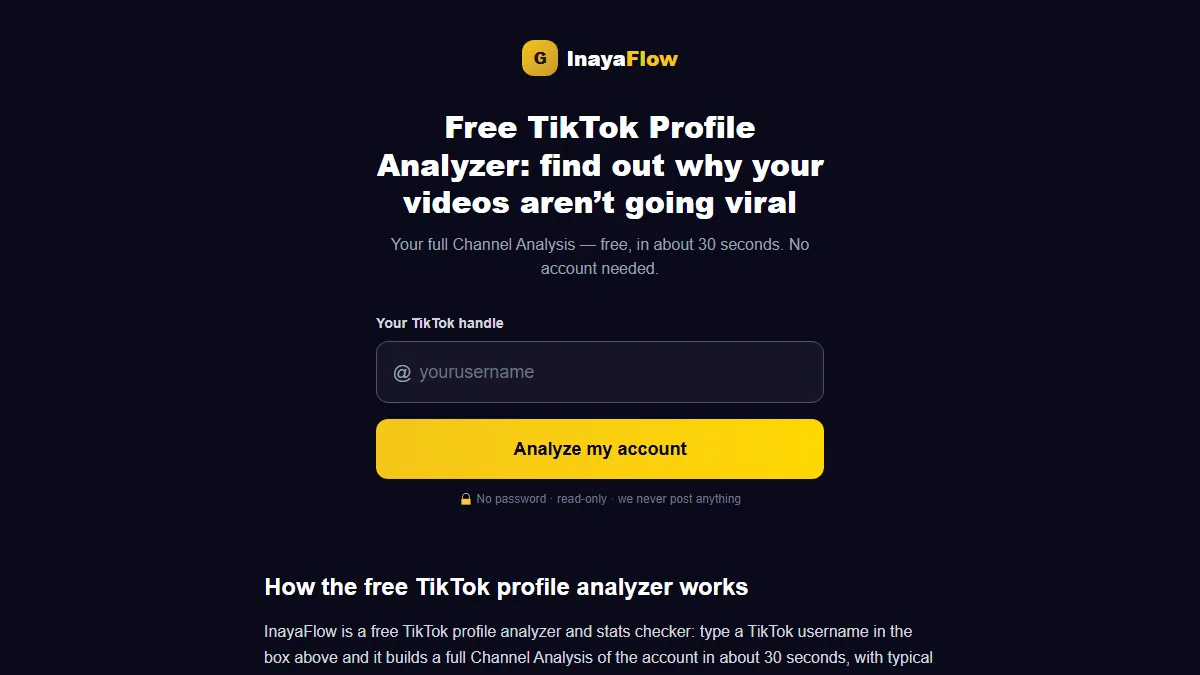
A caption works best when it describes a video your channel already does well. Enter your handle in the free analysis at inayaflow.ai/analyze, with no password, and in about half a minute you see your niche, what is working, what is not, three recommendations and which hashtags you have used so far.
On Pro, the Write My Script tool drafts scripts for your next video from what InayaFlow knows about your channel, and Hashtags suggests a set for a specific video. The caption and the posting stay with you: InayaFlow does not publish anything on your behalf. It works from views, likes, comments, shares and saves. InayaFlow has no view of watch time or retention, so it cannot show how long people stay.
Caption checklist
The caption works best on a video with a clear idea; our guide to what to post on TikTok lists formats to test.
- The first line says what the video gives, in plain words.
- I used one phrase people search for, only where it fits.
- Five hashtags at most, all relevant.
- The caption matches what I say and show.
- I checked the count in the app before posting.
- I know whether Edit post shows on my account, in case of a typo.
Before you post, paste your caption into the free TikTok hashtag counter to count the hashtags and the characters. Stuck for tags? Make hashtags from your video's topic in one tap.
Frequently asked questions
How long can a TikTok caption be?
For captions posted through TikTok's official posting API, TikTok for Developers sets a maximum of 2,200 characters. No TikTok page we read gives a limit for captions typed in the app, and third-party sites that quote a higher figure do not link to a TikTok source, so check the counter in your own app before you rely on any number.
Can you edit a TikTok caption after posting?
Some accounts show an Edit post option in the three-dot menu of their own video, but we could not read a TikTok page that confirms who gets it or what the limits are, and third-party guides disagree. Look for the option in your app. If it is missing, the only route is to delete and repost, which loses that video's views and comments.
How many hashtags should a TikTok caption have?
No more than five, because the app blocks a sixth, as reported by the Daily Dot. TikTok advises relevant hashtags and says more hashtags do not mean a broader reach. Our own hashtag guide covers how to pick them.
Are TikTok captions the same as subtitles?
No. A caption here means the text under your video. Subtitles, sometimes called auto captions, are the spoken words shown on screen. Both help, but they are separate features, and this guide is about the text under the video.
Do keywords in a caption help my video get found?
TikTok lists captions as video information the For You feed can use, and its Creator Search Insights tool shows what people search for. TikTok does not publish how much a caption word counts, so treat keywords as a way to describe the video clearly, not as a trick.
Should I write the caption before or after I film?
After you have the hook, and before you post. The caption should say what the finished video delivers, so draft it once you know what you said and showed.
Sources
- TikTok Newsroom: How TikTok recommends videos #ForYou (June 18, 2020)
- TikTok Newsroom: 5 tips for TikTok creators (July 30, 2020)
- TikTok Newsroom: Creator Search Insights (March 13, 2024)
- TikTok for Developers: Content Posting API: Direct Post reference (November 14, 2026)
- Daily Dot: Users react to TikTok's new limit for hashtags (August 14, 2025)
- InayaFlow: TikTok benchmarks study 2026 (213 channels) (November 10, 2026)