Published ·By the InayaFlow team ·6 min read
TikTok Shadowban Check: What Is Real and How to Test
TikTok never says 'shadowban'. See what it does say about accounts and posts kept out of For You, how to check yours step by step, and how to appeal.
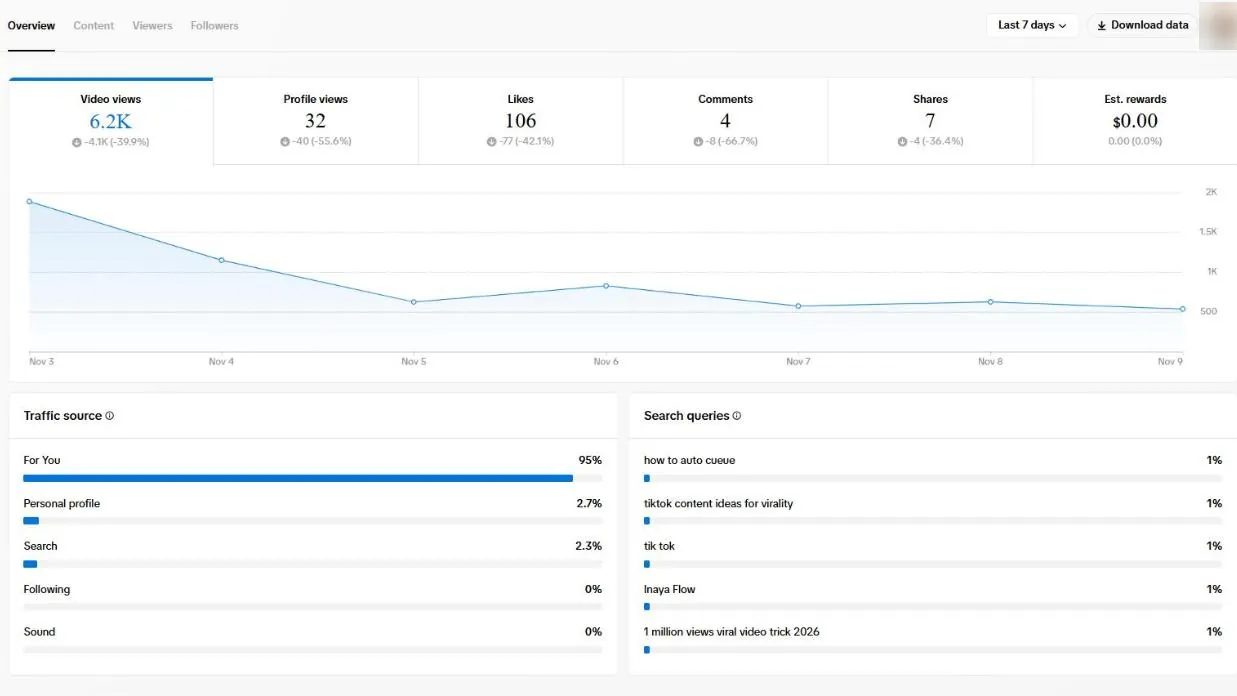
TikTok does not use the word "shadowban". TikTok's real mechanism is eligibility for the For You feed: a post, or a whole account, can stay on TikTok but be left out of recommendations, and TikTok says it tells you when that happens. So the way to check is to look for TikTok's own notices, not to guess from a dip in views.
Try it on your own account: type a TikTok username to see if its recent views dropped against its usual views.
Before you start: This self-check can’t see TikTok’s systems, and TikTok doesn’t confirm shadowbans. It only reads your answers. If you type a username, we read that account’s public TikTok numbers on our server and keep them for up to 24 hours. Numbers you type yourself stay in your browser.
Answer any question above and your result shows here.
No notice, but still low views?
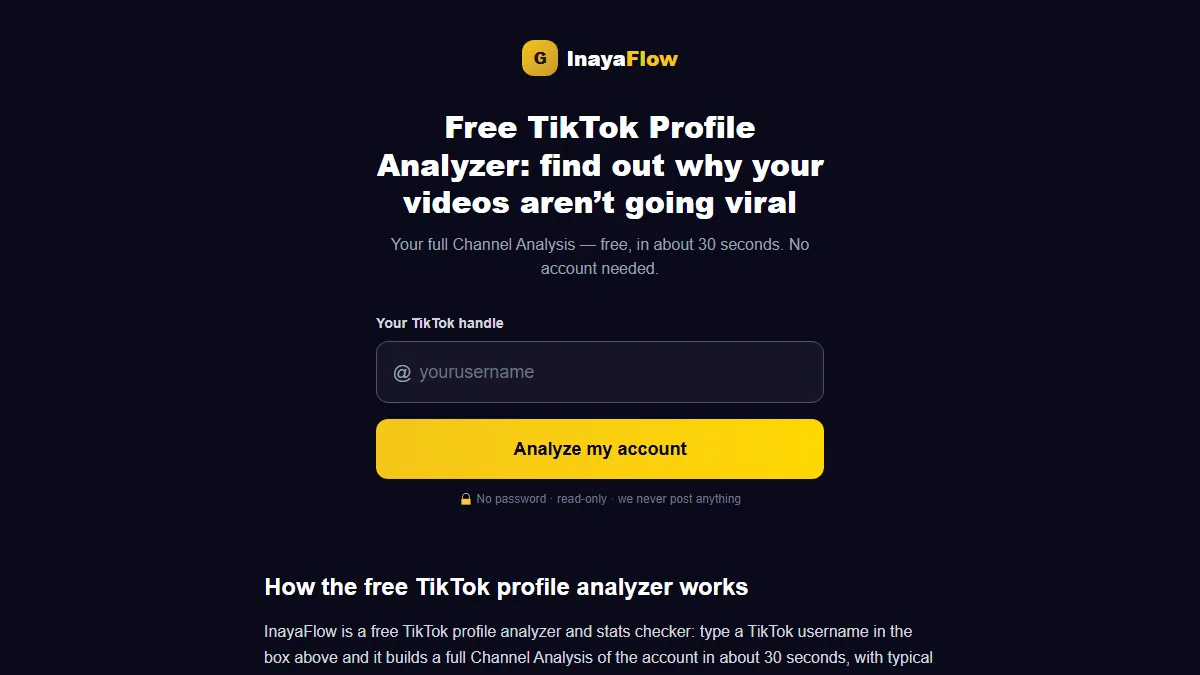
InayaFlow can’t see TikTok’s restrictions either. What the free channel analysis does: type your TikTok username and it compares your own recent public videos (your typical views, your engagement rate, your strengths, what to improve and three recommendations). No account or password needed.
Open the full TikTok shadowban checker.
Key takeaways
- TikTok Help Center: if you repeatedly post content unsuitable for the For You feed, your account and posts 'won't appear in the For You feed and will be harder to find in search'. TikTok says it notifies you in your inbox and on your profile.
- TikTok Help Center: Account check in TikTok Studio or the Safety Center shows a checkmark when there is no issue and a warning sign when there is one.
- TikTok Community Guidelines: a video that is not getting many views 'doesn't necessarily mean it broke a rule'.
- TikTok Help Center: strikes expire after 90 days. TikTok gives no fixed time for an account to return to recommendation; it may restore it automatically 'at any time'.
- Our 2026 dataset (213 channels): 47.6% of videos topped their channel's usual views, so just over half fall below that line with no restriction involved.
On this page
This guide shows what TikTok says, the four places to look, what to do if you find a notice, and what to do if you find none. It is part of our views series; the wider set of fixes lives in how to get more views on TikTok.
TikTok shadowban check at a glance
| Question | What TikTok says | Where |
|---|---|---|
| Is there a "shadowban"? | The word does not appear on the pages we read | Pages listed in Sources |
| Can an account be kept out of For You? | Yes, if it repeatedly posts unsuitable content | Help Center |
| Does TikTok tell you? | Yes, in your inbox and on your profile | Same page |
| How do I check? | Account check in TikTok Studio or the Safety Center | Account status |
| Can I appeal? | Yes, from the notice or the inbox | Help Center |
| Do strikes last forever? | They expire after 90 days | Content violations |
What a TikTok shadowban means in TikTok's own words
Creators use "shadowban" for any sudden drop in reach. TikTok's Help Center describes something narrower. If you repeatedly post content that is unsuitable for the For You feed, your account and posts "won't appear in the For You feed and will be harder to find in search" (TikTok Help Center).
For single posts, the Help Center says an ineligible post "won't be displayed in the For You feed", and that you can review the reason and appeal (Content violations and bans). The Community Guidelines add that even a video that does not reach For You may still be found through search or your profile (For You feed eligibility standards).
How to check if TikTok has restricted you
Work through these in order. Each one is something TikTok shows you itself.
1. Your profile
Open your profile and look below your username for an "Ineligible for recommendation" notice. TikTok says the notice also reaches you in your inbox.
2. Your inbox
Open Inbox and look for a notification that your account is ineligible for recommendation. For posts, TikTok's path is Inbox, then System notifications, then Account updates.
3. Account check
TikTok says you can check your account's status from TikTok Studio (Profile, Menu, TikTok Studio, More tools, Account check) or the Safety Center (Menu, Settings and privacy, Support, Safety Center, Account check). A checkmark means there is no issue, and a warning sign means there is one (Your account status). Menu names change between app versions, so follow the labels you see.
4. Analytics for a single post
TikTok says you need analytics turned on in your settings to see its decision on a post. Turn it on, then open the post's analytics.
Our free TikTok shadowban checker walks through these same questions. It cannot see TikTok's systems and it does not send your answers anywhere.
What causes a post or account to be kept out of For You
TikTok names several causes in its own rules. We list only ones it names:
- Reused material. Under the integrity guidelines, a clip lifted from someone else with nothing added can be kept out of For You (Integrity and authenticity).
- Fake engagement. The same page names services that sell inflated engagement.
- Gift or follow bait. Content that tries to manipulate people into giving gifts or inflating likes or follows is not eligible.
- Young accounts. TikTok's youth safety rules say you need to be 16 or older for your videos to appear in the For You feed (TikTok, youth safety and well-being).
- Repeated unsuitable content. The pattern that can affect a whole account, per the Help Center page above.
Those pages do not tie hashtags, frequent posting or posting times to a restriction. In its creator tips, TikTok says posting more videos won't change how your content is recommended, and that #FYP behaves like any other hashtag (TikTok Newsroom).
How to appeal
If you believe TikTok made a mistake, you can appeal. Two routes, both from TikTok's Help Center:
- From your profile: tap the "Ineligible for recommendation" notice below your username, review the ineligible videos and tap Appeal at the top.
- From your inbox: tap the notification, tap View more, review the videos, then tap Appeal.
TikTok says that when a post appeal succeeds, the post becomes eligible for recommendation.
How long does it last?
TikTok publishes no fixed length. Its Help Center says it may automatically restore an account to good standing at any time, depending on how much of your content is unsuitable for the For You feed, and that strikes expire after 90 days. So the honest answer is that it depends on your content and TikTok's review, not on a countdown. Treat any precise number of days from a third party as unverified unless it links to TikTok.
If there is no notice: low views are normal
If TikTok has sent no notice, low views have ordinary explanations. Two points from the data and from TikTok:
| Fact | Number | Source |
|---|---|---|
| Share of videos above the channel's own typical views | 47.6% | Our 2026 dataset, 213 channels |
| Typical video from the median channel | 280 views | Same dataset |
| What TikTok says about low views | Not proof that a rule was broken | Community Guidelines |
Put another way, a bit more than half of all videos land under their channel's usual level, and no restriction is needed to explain it. TikTok's tips also say results differ from video to video and play out over several days (TikTok Newsroom), so wait a few days before you decide.
If your notices are clear, the cause is the video, not a penalty. Start with the hook, the topic and the checks in why is my TikTok getting no views, and read how recommendations work in our TikTok algorithm guide.
What not to do
- Delete a pile of videos. No TikTok page we opened recommends it, and you lose posts that were doing fine.
- Pay for a "shadowban remover" or buy views. The integrity rules treat sold engagement as a violation, so it can create the problem you want to fix.
- Make a new account to post the same videos. Reused material is itself a listed cause.
- Stop posting for weeks. No TikTok page we opened says a break resets anything.
How InayaFlow helps when your views drop
InayaFlow cannot see whether TikTok has restricted an account, and it does not claim to. What it can do is show whether your content changed. Type a handle into the free analysis at inayaflow.ai/analyze, no password needed, and you get a read on your niche, strengths and weaknesses within about half a minute.
If the notices are clear and views stay low, Video Analysis on Pro lets you paste a video and see why it worked or did not, based on its views, likes, comments, shares and saves and on what is said in it. InayaFlow has no view of watch time or retention, so it cannot show where viewers left. You do the posting.
Shadowban check list
- No "Ineligible for recommendation" notice on my profile.
- Nothing in Inbox, System notifications, Account updates.
- Account check shows checkmarks.
- Analytics is turned on, and I read the decision on my latest posts.
- I did not reuse other people's clips without adding something.
- I waited a few days before judging a post.
Want to go through these checks one step at a time? Use the free TikTok shadowban checker. It is a self-check and cannot see TikTok's systems.
Frequently asked questions
Does TikTok shadowban accounts?
TikTok does not use the word on the pages we read. It does say that an account or a post can be made ineligible for the For You feed, and that it tells you when that happens, in your inbox and on your profile. Anything beyond that is a creator's guess about what happened.
How do I check if I am shadowbanned on TikTok?
Look for the 'Ineligible for recommendation' notice below your username, read your inbox notifications, and run Account check in TikTok Studio or the Safety Center. A checkmark means no issue. A warning sign means TikTok found one. No outside website can see these decisions, including ours, so use the in-app notices first.
How long does a TikTok shadowban last?
TikTok gives no fixed length. Its Help Center says it may restore an account to good standing automatically at any time, depending on how much of the content is unsuitable for the For You feed, and that strikes expire after 90 days. Treat any exact number of days from a third party as unverified.
Can I appeal a TikTok restriction?
Yes. TikTok says you can appeal if you think it made a mistake. From your profile, tap the ineligible notice, review the videos and tap Appeal. From your inbox, open the notification, tap View more and then Appeal.
Do hashtags like FYP or posting too much cause a shadowban?
In its creator tips, TikTok says posting more videos won't change how your content is recommended, and that #FYP behaves like any other hashtag. Neither is linked to a restriction on the pages we read.
Does low reach mean I am shadowbanned?
Not by itself. TikTok's guidelines say a video with few views is not necessarily a rule-breaker, and results differ between videos, so confirm with the in-app notices before you assume a restriction.
Sources
- TikTok Help Center: Why is my account not being recommended? (November 14, 2026)
- TikTok Help Center: Your account status (November 13, 2026)
- TikTok Help Center: Content violations and bans (November 13, 2026)
- TikTok Community Guidelines: For You feed eligibility standards (November 14, 2026)
- TikTok Community Guidelines: Youth safety and well-being (November 15, 2026)
- TikTok Community Guidelines: Integrity and authenticity (November 12, 2026)
- TikTok Newsroom: 5 tips for TikTok creators (July 30, 2020)
- InayaFlow: TikTok benchmarks study 2026 (213 channels) (November 10, 2026)